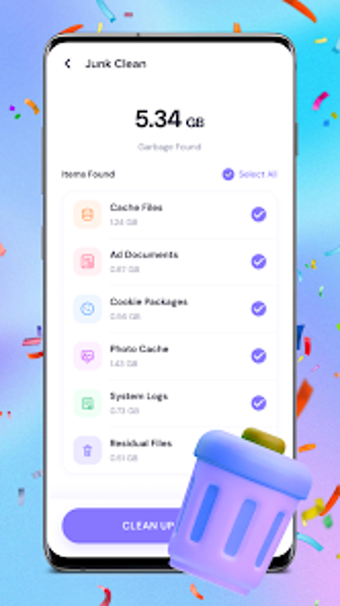
Simple Android storage manager that finds large files and duplicates
Experience a blend of storage browsing, categorized file view, and duplicate detection to expose large and redundant files across your device. Developed by Book Fair, VividyClear targets Android storage cleanup with a review-and-confirm deletion flow. It highlights high-capacity items and supports batch selection and detailed file inspection for careful removal. The app suits Android users who want straightforward control over device storage without complex settings or technical choreography.
What does VividyClear actually do for device storage?
The app maps and sorts files, presenting internal storage through a categorized file view and a storage browsing screen. It flags large files for inspection and lists potential duplicates. In practical terms, you navigate folders, open file detail pages, and mark items for deletion; every removal requires explicit confirmation so the app does not delete without user approval. The workflow focuses on visual clarity rather than automatic cleanup.
Does it slow down your system during scans?
Scans are lightweight by design, because the app is described as a lightweight utility that concentrates on core management tasks. While exact CPU or RAM figures are not provided, the emphasis on a simple interface and a targeted set of functions implies modest resource use during browsing and duplicate detection. Batch selection operates within the app, so heavy background processing is not part of the stated workflow.
Is it safe to use on a production device?
Safety is handled through confirmation and permissions; the app requires storage access to manage files and enforces a review-and-confirm deletion step before any file removal. That design reduces accidental loss by requiring explicit user approval. However, the app needs access to device storage to perform its tasks, which means users grant file permissions as part of normal operation.
Do I need technical knowledge to operate it correctly?
The interface targets straightforward use, with categorized views and file detail review aimed at non-technical users. Batch management lets you select multiple items for grouped deletion, while duplicate detection produces lists for manual review. Advanced recovery, partition-level operations, or registry edits are not part of the described feature set, so casual Android users can perform the core tasks without specialist skills.
Decisive judgment on suitability and a single caveat
VividyClear serves everyday Android users who want clear, manual control over storage and duplicate files, enforcing confirmation before deletions. It fits people who prefer inspecting file details and using batch selection rather than automated purges. The main drawback is that the app may display advertisements, which could interrupt the management workflow for some users.